Change Appointment Status via Link
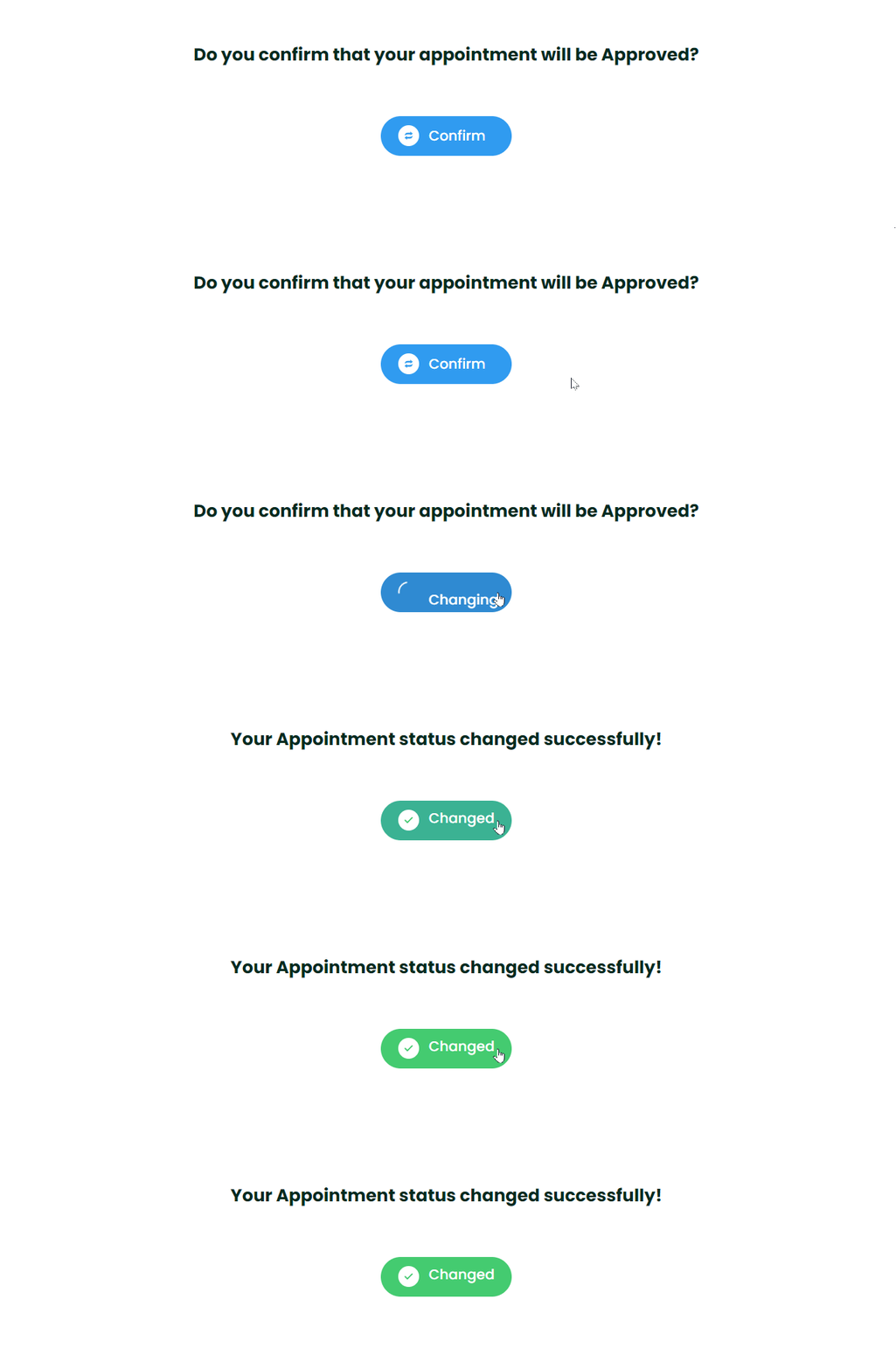
Mysched allows you to send a link to your customers and staff members that enables them to change appointment statuses automatically. This feature makes it easy for staff and customers to approve, cancel, or update the appointment status without needing to access their staff dashboard or customer panel.
How to Configure the Status Change Link
To get started, you need to create a Workflow that sends the status change link to the relevant individuals (staff or customers) through notifications.
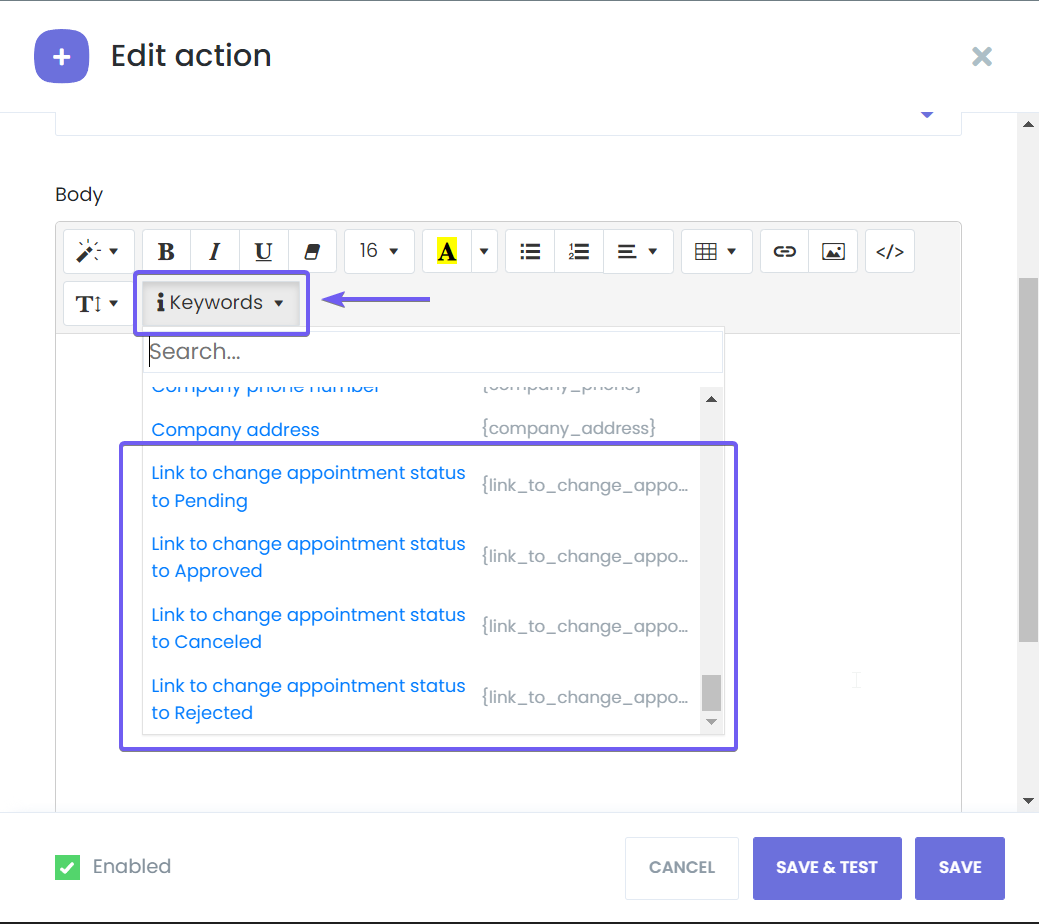
Mysched provides different shortcodes for each appointment status. This allows you to send specific links for approving, canceling, or changing appointments to any desired status. The shortcodes are as follows:
{link_to_change_appointment_status_to_approved}{link_to_change_appointment_status_to_canceled}{link_to_change_appointment_status_to_pending}{link_to_change_appointment_status_to_rejected}
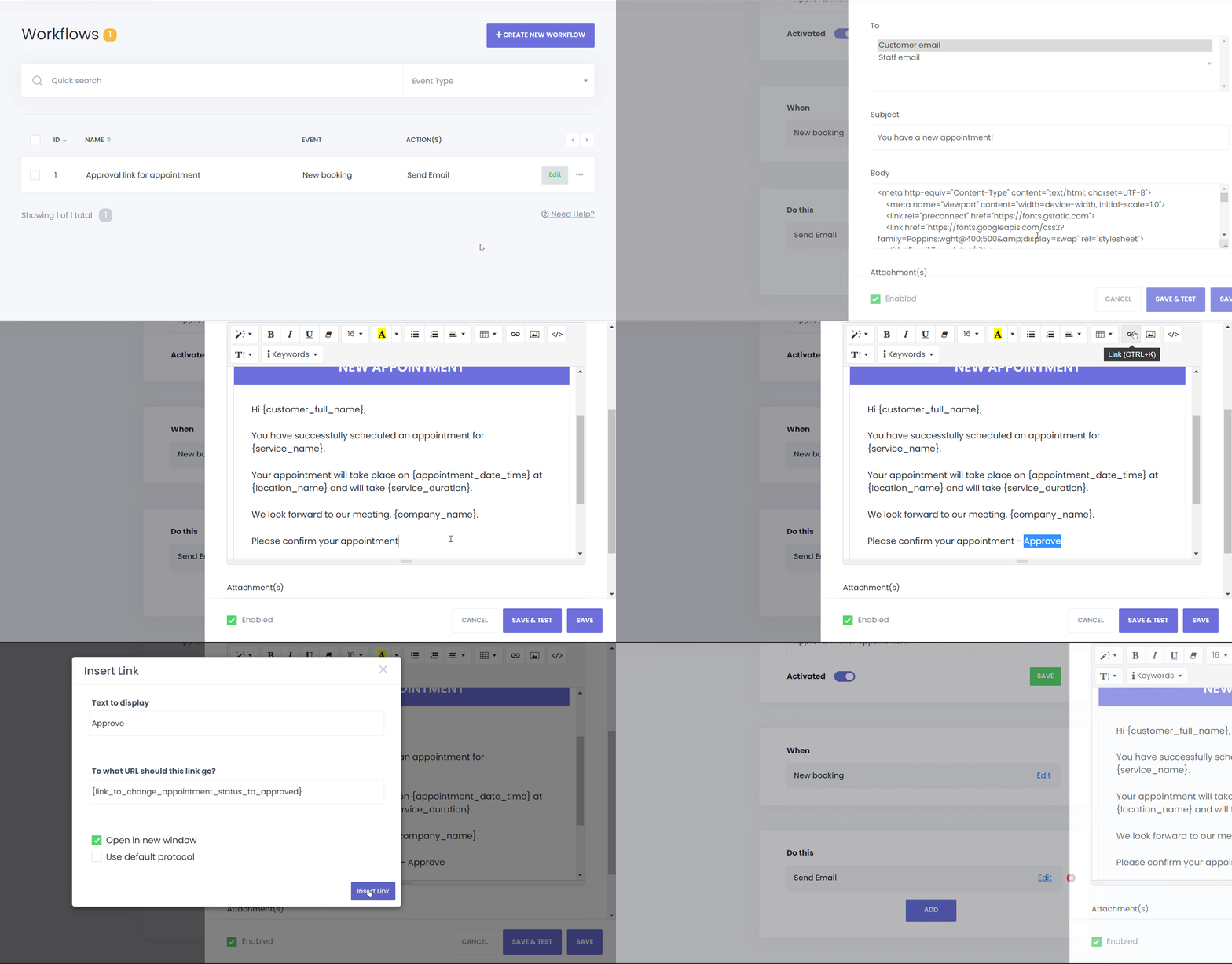
Now that the Workflow is ready, customers will receive an approval link when they make an appointment, making it easy for them to manage their bookings directly from their email or message.